
CNET
Robot Vacuums: Top Tips and Tricks to Keep Your Roomba Happily Hoovering
Keep your bot in tip-top shape and prepare for efficient cleaning with these tricks. We’ll show you what can go wrong if you don’t follow these tricks, just because we like destroying things on camera. 0:00 Intro 1:17 Prep Your Place 2:44 Carpet Pitfalls 3:24 Avoid Water 4:28 Robot Vac Care 7:01 Replacement Parts 7:46…












CNET
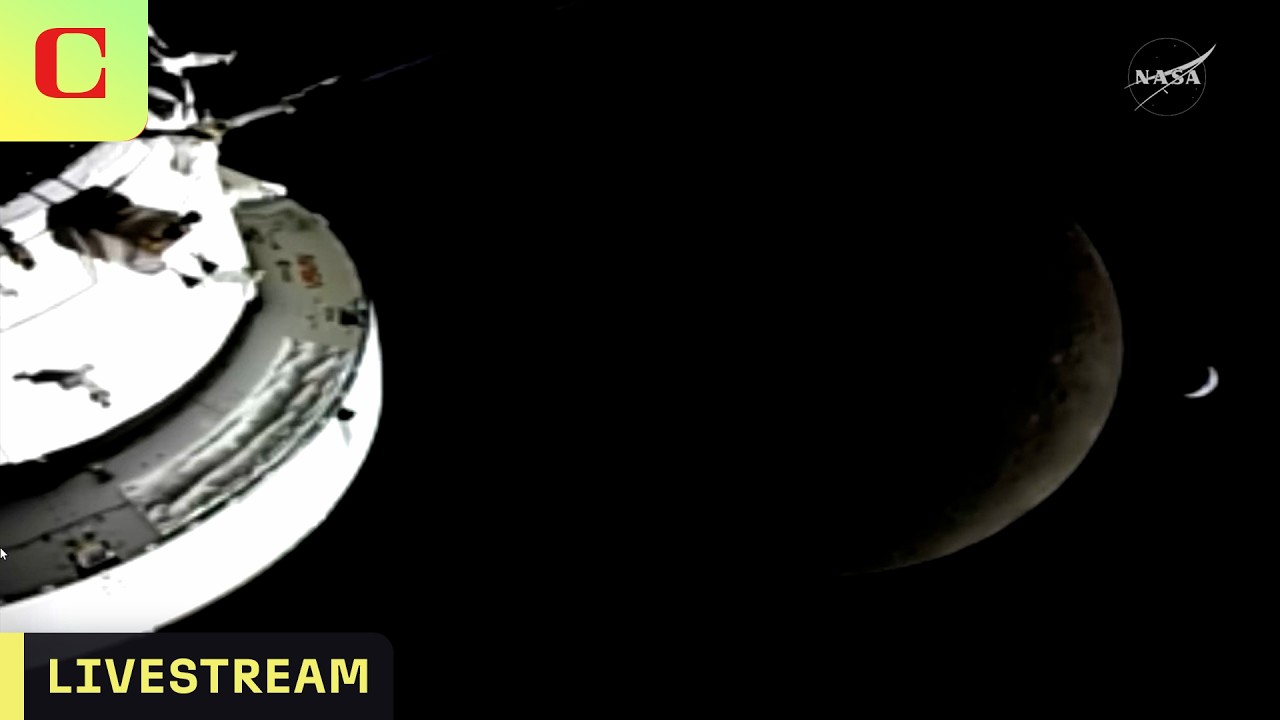
NASA’s Artemis II Moon Flyby Livestream
Watch the excitement as NASA sends four astronauts on a historic mission to the moon, potentially farther into space than any humans have ever traveled. Follow CNET’s Live Blog at CNET.com NASA Artemis II Day 6: Monday Is Moon Flyby Day Add CNET as a trusted news source Never miss a deal again! See CNET’s…
CNET
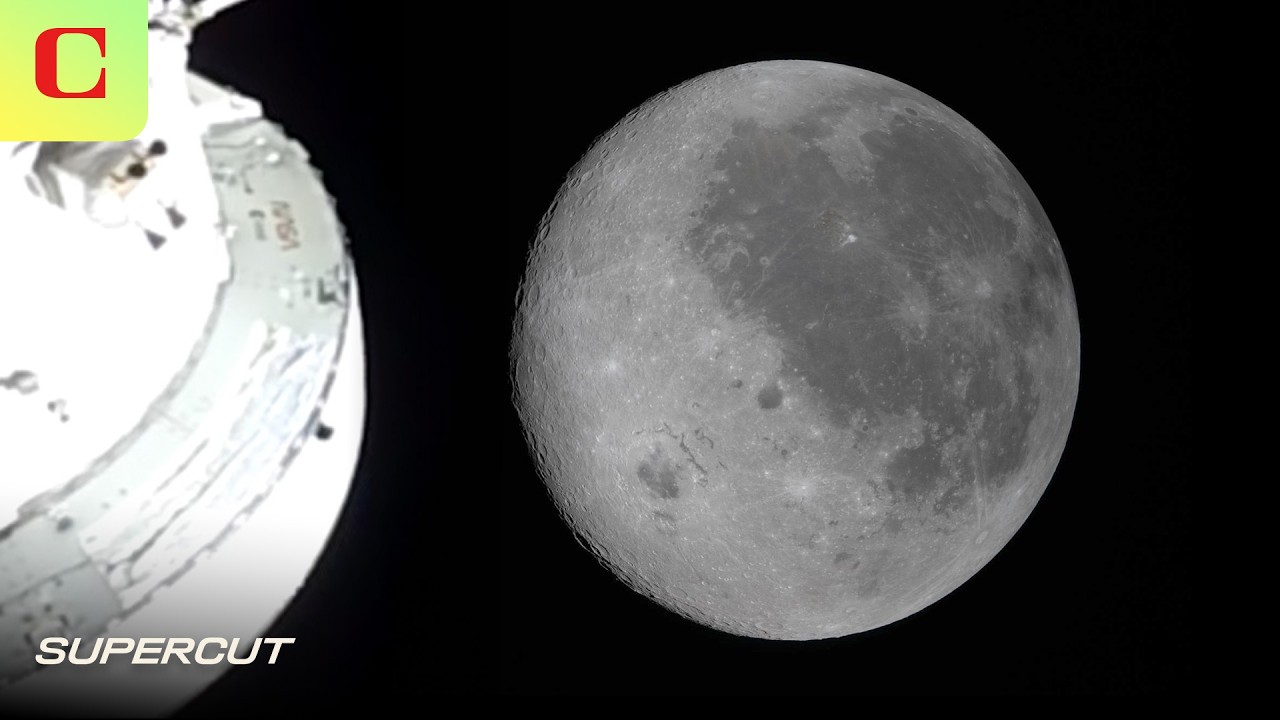
NASA’s Artemis II Slingshots Around Moon Breaking Distance Record | Supercut
See all the highlights from NASA’s Artemis II Moon flyby, which broke the Apollo 13 record for space travel, taking astronauts Reid Wiseman, Victor Glover, Christina Koch, and Jeremy Hansen farther from Earth than any human in history. Read more about NASA’s Artemis II Moon Mission on CNET.com NASA Artemis II Day 6: Artemis II…
CNET
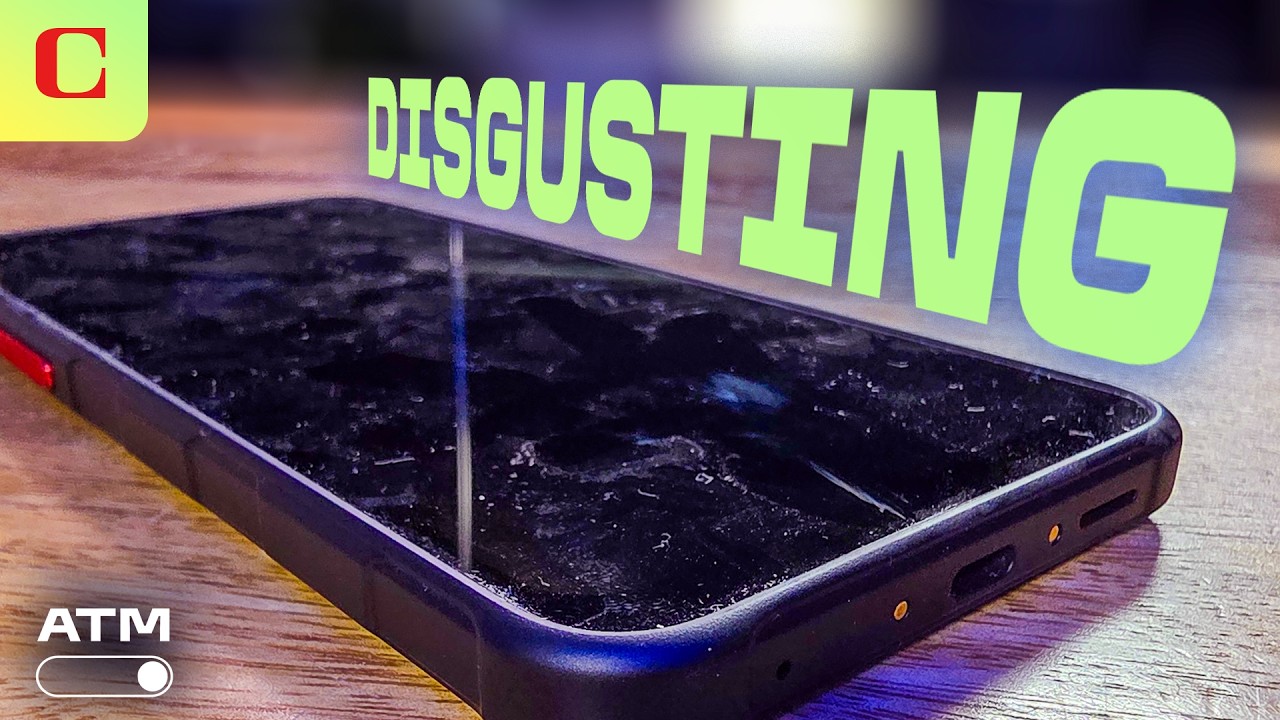
Your Phone is Gross: Here’s How to Clean It | All Things Mobile
Iyaz explains how to safely de-grime and disinfect your phone and earbuds. But the cleaning doesn’t stop there. Now it’s time to get rid of some apps. We show you built-in tools on Android and iOS that help you make the tough choices. Read more about it on CNET.com Your Phone Is a Bacteria Magnet.…


Tech Stocks Rally on the Back of US-Iran Ceasefire Deal | Bloomberg Tech 4/8/2026

Snowflake Seeing Strong Return on AI Investment: CEO

Apple’s Foldable Phone On Track for September Launch
-

 Science & Technology6 years ago
Nitya Subramanian: Products and Protocol
-

 People & Blogs4 years ago
Sleep Expert Answers Questions From Twitter ???? | Tech Support | WIRED
-

 CNET6 years ago
Ways you can help Black Lives Matter movement (links, orgs, and more) ????????
-

 Wired7 years ago
How This Guy Became a World Champion Boomerang Thrower | WIRED
-

 Wired7 years ago
Neuroscientist Explains ASMR’s Effects on the Brain & The Body | WIRED
-

 Wired7 years ago
Why It’s Almost Impossible to Solve a Rubik’s Cube in Under 3 Seconds | WIRED
-

 Wired7 years ago
Former FBI Agent Explains How to Read Body Language | Tradecraft | WIRED
-

 CNET6 years ago
Surface Pro 7 review: Hello, old friend ????
HollowPoint No Commentary
February 18, 2022 at 1:07 pm
First, I need to own a Robot Vacuum and we’re good.
Snakedoktor
February 18, 2022 at 3:11 pm
Don’t forget the cat Mr. HollowPoint.
GreenAppelPie
February 18, 2022 at 1:08 pm
You forgot to mention cleanup dog poo
kkshinichi
February 18, 2022 at 1:09 pm
why Robot Vacuum if your Asian parents makes YOU the vacuum
Lisa Boban
February 18, 2022 at 1:38 pm
I got a Roomba a couple of years ago when we put in all hardwood floors. Best investment I ever made. It scurries around the floor each night gathering all the cat hair and dust bunnies. And that dock that empties the dirt after cleaning is totally worth it.
Arnaz Computer Official
February 18, 2022 at 2:24 pm
Good night my brother…
Greetings, I’m from Indonesia.
May you be healthy there with your family.
Healthy greetings and family greetings
tylerrowland 123
February 18, 2022 at 2:25 pm
Ah man I thought I could have my robot vacuum clean up my creek
Snakedoktor
February 18, 2022 at 3:18 pm
Your videos are usually pretty informative. This one, not so much. I was waiting for some tricks, or at least some tips. All this provided was things that are common sense and should just be intuitive for most people. Speaking of common sense, it should go without saying that you DO NOT put your dirty vacuum on a countertop to take out the filter. That is just gross!
But keep up the good work guys.
M Meyerr
February 18, 2022 at 3:55 pm
use a seam ripper to snip long hair tangle around rollers, brushes, etc. (sewing section, $4)
KrinchiD
February 19, 2022 at 8:00 pm
This is brilliant! Thank you. I just ordered one.
Tom Waznis
February 18, 2022 at 4:25 pm
Have a Roomba I am ditching it because of the short batter life and no Lidar.
Navaneeth Krishnan
February 18, 2022 at 5:12 pm
I use a cheap regular vacuum cleaner to clean the dust bin. It’s a much cleaner and easier way to empty it.
Alexander
February 18, 2022 at 8:06 pm
Mine samsung vac has the bump tech and take 20 mins or less I have a small area though but it does my living room and hall only.
David Jamgochian
February 19, 2022 at 12:31 am
????
rubenrar1
February 19, 2022 at 2:22 am
To me it’s worth it to get the self emptying base for the robot. Because the one problem is since most vacuums are now bagless. I like having the clean base with a bag in it to collect dirt so you don’t have to breathe in what you just vacuumed up. It’s not about whether or not you can clean out the robot. It’s whether or not if you want to breathe in the same stuff you just vacuumed up. In my opinion I don’t feel like it’s healthy. I use a aerosol can to clean up the HEPA filter and I do it outside so I don’t breathe it in. What’s nice with the iRobot clean base, you can tap the button that says empty base. So like if you get something that’s clogged up or you want to empty out more dust out of robot before checking the internal part of it then you can actually do that.
cathie kirschke
February 19, 2022 at 1:49 pm
Don’t but an iRobot self emptying vacuum if you don’t have 2.4G. The app won’t work. Most internets are 5g only now so it will be just a low end vacuum you can only hit button on top to start. No blocking areas or programming cleaning. The company didn’t respond to my complaint except to offer trade in value. Seriously!
Richard smith
February 20, 2022 at 12:08 am
Roomba and Hoover are both BRANDS, not generic terms for vacuums.
dana ross
February 20, 2022 at 2:26 am
I vacuum out the filter after each use. And recommend that you do too.
Karin Stevenson
February 20, 2022 at 2:40 am
Compressed air is a robot parent’s best friend. Little hand held ‘air dusters’ (no, not the cans) extend not only the life of filters but also get dust and fibers out of bearings before they dig in.
TAPS
February 21, 2022 at 1:08 am
If you have all of these problems “you should probably”skip a robot vacuum! LOL