
Golfshot on the Apple Watch Ultra 2 Brings High Frequency Motion Data to Your Wrist
Golfshot, the popular golf GPS app, has a feature called Swing ID that records every golf swing using the Apple Watch Ultra 2’s High Frequency Motion API in watchOS 10 to provide detailed swing metrics. I tested Golfshot’s Auto Shot Tracking feature with Swing ID at TPC Harding Park in San Francisco to see how…

Science & Technology
Can Enterprises Trust Autonomous AI? Security Experts on Governance and Architecture | Disrupt 2026
AI is making autonomous decisions inside sensitive enterprise systems. Security leaders from Luta Security and AWS, with cybersecurity veteran Wendy Nather, discuss what it takes to deploy it safely. #TechCrunchDisrupt2026 Follow us across… Read more:

Science & Technology
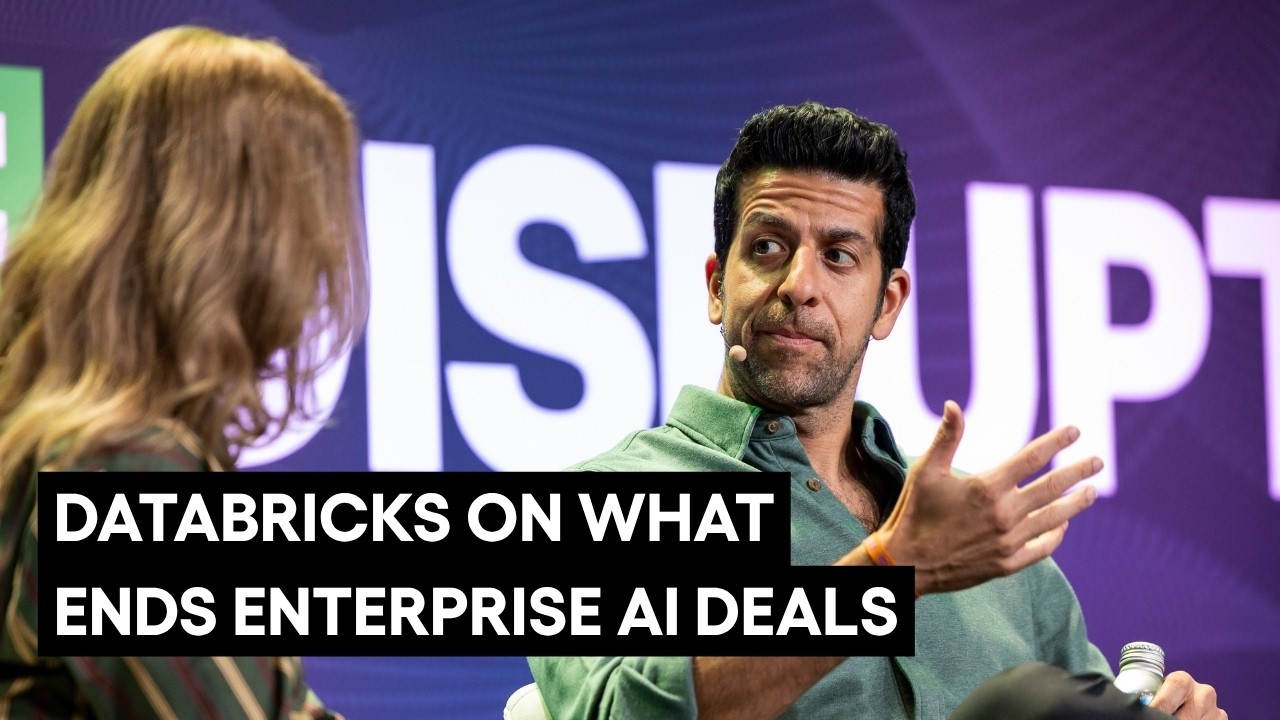
Databricks on Why Enterprise AI Deals Die After the Pilot (And How to Fix It) | Disrupt 2026
The gap between enterprise AI promise and adoption is rarely a technology problem. Databricks’ Arsalan Tavakoli explains what founders get wrong about how enterprises buy and deploy AI. #TechCrunchDisrupt2026 Follow us across… Read more:
Bloomberg Technology
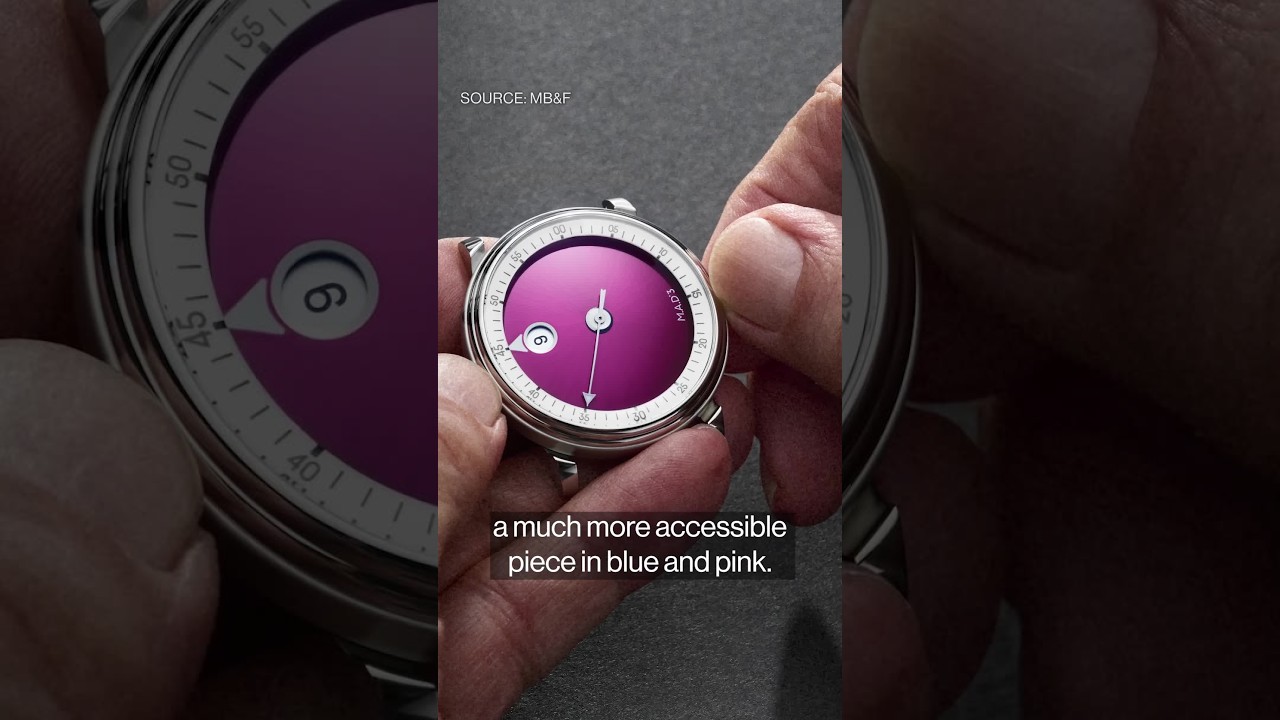
The Hot WatchesTurning Heads atGeneva Watch Days
Step inside Geneva Watch Days, where independent and contemporary watchmakers take centerstage. Allegra Catelli has the highlights. ——– Like this video? Subscribe to Bloomberg Technology on YouTube: Watch the latest full episodes of “Bloomberg Technology” with Caroline Hyde and Ed Ludlow here: Get the latest in tech from Silicon Valley and around the…

Can Enterprises Trust Autonomous AI? Security Experts on Governance and Architecture | Disrupt 2026

Databricks on Why Enterprise AI Deals Die After the Pilot (And How to Fix It) | Disrupt 2026

The Hot WatchesTurning Heads atGeneva Watch Days

Nitya Subramanian: Products and Protocol

Sleep Expert Answers Questions From Twitter ???? | Tech Support | WIRED

Ways you can help Black Lives Matter movement (links, orgs, and more) ????????
Can Enterprises Trust Autonomous AI? Security Experts on Governance and Architecture | Disrupt 2026
Databricks on Why Enterprise AI Deals Die After the Pilot (And How to Fix It) | Disrupt 2026
The Hot WatchesTurning Heads atGeneva Watch Days
-
 Science & Technology6 years ago
Nitya Subramanian: Products and Protocol
-
 People & Blogs5 years ago
Sleep Expert Answers Questions From Twitter ???? | Tech Support | WIRED
-
 CNET6 years ago
Ways you can help Black Lives Matter movement (links, orgs, and more) ????????
-

 Wired7 years ago
How This Guy Became a World Champion Boomerang Thrower | WIRED
-

 Wired7 years ago
Neuroscientist Explains ASMR’s Effects on the Brain & The Body | WIRED
-

 Wired7 years ago
Why It’s Almost Impossible to Solve a Rubik’s Cube in Under 3 Seconds | WIRED
-

 Wired7 years ago
Former FBI Agent Explains How to Read Body Language | Tradecraft | WIRED
-

 Entertainment6 years ago
Former CIA Chief of Disguise Breaks Down Cold War Spy Gadgets | WIRED
@Jayden-lr2mm
July 3, 2024 at 8:04 am
Pretty impressive!!
@murroyb
July 3, 2024 at 8:17 am
I can bet MKBHD gonna use this app for sure
@iamdickel8574
July 3, 2024 at 8:22 am
when your smart watch is more expensive than your smart phone
@CNET
July 3, 2024 at 8:23 am
????
@TheSlowpC
July 3, 2024 at 8:23 am
Still rocking that Touch ID there!
@CNET
July 3, 2024 at 8:25 am
iPhone SE 2020 for life
@hotdavesweet
July 3, 2024 at 9:03 am
wow nice
@domlarry
July 3, 2024 at 9:41 am
Golf ⛳️ ????️♀️ ⛳️ ???? Roger over
@Sakuyushi
July 3, 2024 at 10:07 am
Ultra only?
@julesperez1584
July 3, 2024 at 10:37 am
Can be used with any Apple Watch but the features do use a good chunk of battery. I’ve used with Ultra 2 since March of this year and it’s been good. Definitely cheaper than using Arccos sensors.
@SamanthaBrambillaVRpaintings
July 3, 2024 at 9:33 pm
Bom
@brettgavaghan
July 4, 2024 at 6:10 am
This was a really good break down of the functionality and realistic use. Can you please do the same reviews for the competitor apps like 18 birdies, hole 19 and swing U?
@jwilder2251
July 4, 2024 at 1:01 pm
I appreciate this review, now I know I don’t need this. Lots of numbers and distractions, very little meaningful feedback. I think simpler is better in this case (like a Garmin Golf Watch)