
CNET
ProRaw vs. JPEG: The Hidden Setting Every iPhone Photographer Needs | All Things Mobile
You might not be getting the most out of your iPhone camera. In this video, we dive deep into Apple ProRaw, the professional-grade feature hidden in your settings that most people never use. We’ll also show you why JPEG-XL Lossy is the sweet spot for storage and quality. Whether you’re a professional or just want…












CNET
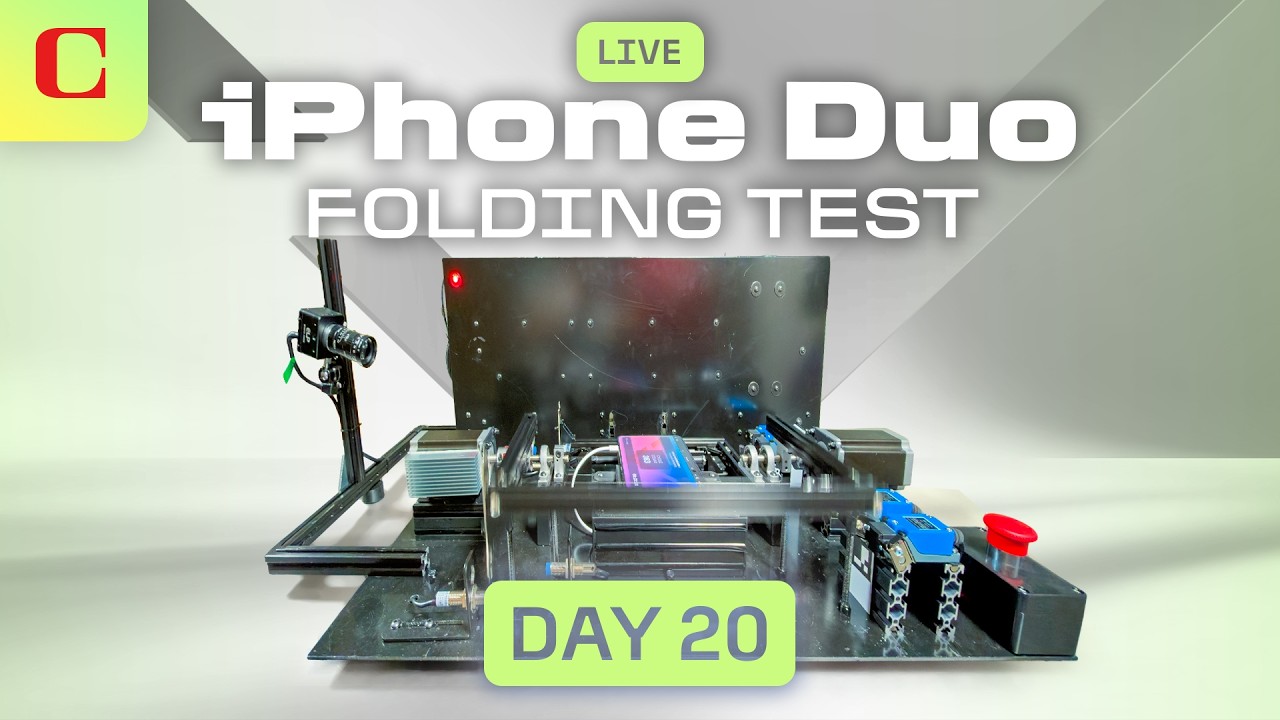
iPhone Duo Livestream: How Many Folds Can Apple’s Phone Take? Day 20
Apple’s iPhone Duo is out and we want to see how durable it is. So we built a robot to fold it 20,000+ times a day to test its limits. How long do you think it will last? 100,000 folds? 200,000 folds? 500,000 folds? Tune in and watch the testing live. We’ll have CNET’s editors…
CNET
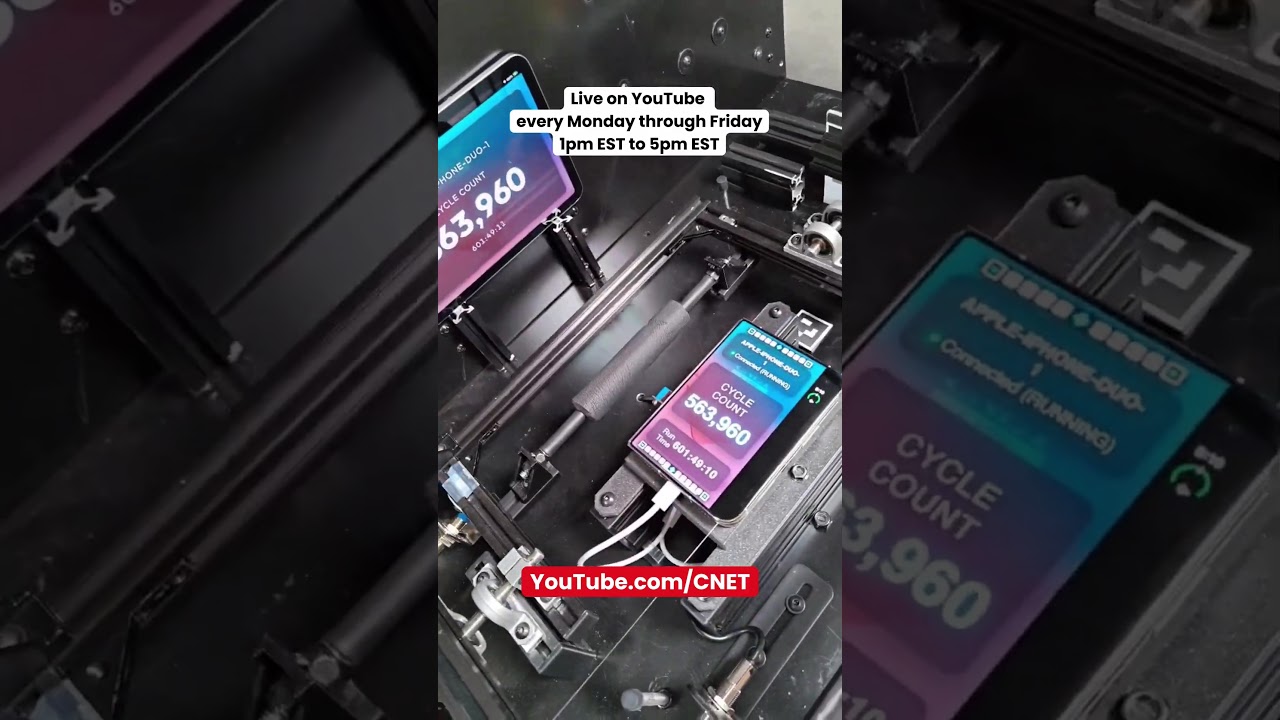
Fold-A-Phone Week 4, Livestream Day 20: 563K folds and growing
Heading into the weekend with over 563,000 folds on the iPhone Duo. Join us on YouTube at 1pm EST to 5pm EST for more of the live folding action! #foldaphone #iphoneduo #apple #allthingsmobile #durability
CNET
My Family Tested the HomeView: What’s Great, What Needs Work | One More Thing
There’s never been an Apple computer quite like the HomeView. Bridget Carey explains what lessons she learned bringing it home to her family, and why there’s something bigger here than a smart home control hub. You can find the products mentioned in this video linked below Apple HomeView – Starlight *Cnet may get commission on…


iPhone Duo Livestream: How Many Folds Can Apple’s Phone Take? Day 20

Anthropic Falls After Blockbuster Debut as Tech Sells Off

GTA VI Earns Near-Perfect Reviews in Record Launch
-

 Science & Technology6 years ago
Nitya Subramanian: Products and Protocol
-

 People & Blogs5 years ago
Sleep Expert Answers Questions From Twitter ???? | Tech Support | WIRED
-

 CNET6 years ago
Ways you can help Black Lives Matter movement (links, orgs, and more) ????????
-

 Wired8 years ago
How This Guy Became a World Champion Boomerang Thrower | WIRED
-

 Wired8 years ago
Neuroscientist Explains ASMR’s Effects on the Brain & The Body | WIRED
-

 Wired7 years ago
Why It’s Almost Impossible to Solve a Rubik’s Cube in Under 3 Seconds | WIRED
-

 Entertainment6 years ago
Former CIA Chief of Disguise Breaks Down Cold War Spy Gadgets | WIRED
-

 Wired8 years ago
Former FBI Agent Explains How to Read Body Language | Tradecraft | WIRED
@MagnusElpron
March 23, 2026 at 9:33 am
If you don’t edit pictures is it still worth it?
Also does the iPhone automatic photo processing works as well with this format ?
@Dillon-Marcelo
March 23, 2026 at 10:57 am
Honestly even if you don’t edit your photos, I think it’s worth it. With it being higher resolution and having better color processing the photos look more natural.
@dailydoseofhope391
March 23, 2026 at 9:36 am
hey lucky me i got the first comment
@behappy4eva
March 23, 2026 at 9:43 am
If I only bought the smallest storage iPhone and takes photos of where I park my car so that I can remember where it was, does this feature helps me?
@helian.r
March 23, 2026 at 10:14 am
no
@Dillon-Marcelo
March 23, 2026 at 10:56 am
Um nope, but Apple Maps has a parked car feature you could be using instead
@TechOs19
March 23, 2026 at 2:36 pm
Yes swipe up in the photo and you can see the location
@CNET
March 23, 2026 at 9:54 am
Read more about the iPhone’s ProRaw on CNET.com
I’m a Photographer and YouTuber and I’m Stoked for the iPhone 17 Pro’s Cameras
Apple ProRaw can transform your iPhone photography. Here’s how
How to use the iPhone’s ProRaw mode to make your photos look better than before
@ryanlackner4912
March 23, 2026 at 10:00 am
My iPhone 15 Pro Max seems to be missing the option to choose ProRAW Format to JPEG-XL Lossy, I’m assuming that’s a 17 and up option?
@Dillon-Marcelo
March 23, 2026 at 11:00 am
Unfortunately you just missed it, JPEG XL Lossy started with the iPhone 16 Pro’s. I think you should have a JPEG XL option still though? It might be worth testing!
@RichTallent
March 23, 2026 at 10:17 am
Nice video well explained
@CNET
March 24, 2026 at 1:30 pm
Thanks for watching!
@RickOShay
March 23, 2026 at 10:38 am
🥱
@joseyotoks
March 23, 2026 at 10:50 am
Please do the same video for Google pixel
@koolimzeef
March 23, 2026 at 11:09 am
Expert tip 1 :
If you have time and enthusiasm : Take your photos in Raw > Edit in Lightroom > Export as DNG and save into Files > Batch Convert them in to HEIF > Save to photo Gallery
Tip 2 :
You are Busy but need Pixel like photos in iphone:
Use project indigo App to Take photos, (try night mode low light photos )
@1peruvianguy
March 23, 2026 at 11:56 am
I always shoot raw 📱
@OneBlissfulBabe
March 23, 2026 at 3:08 pm
That’s what he said! 🤪🤪
@CooperKoepp
March 23, 2026 at 12:30 pm
Do y’all realize how insulting it is to have a title like that? How off putting it is?
It’s like you idiot, you don’t even know how to take your photos right, but I’m gonna tell you so it’s OK! Ha what a joke!
@OneBlissfulBabe
March 23, 2026 at 3:07 pm
Overly sensitive much? 😂😂
@CooperKoepp
March 23, 2026 at 3:13 pm
Ha ha na not that, more my frustration with YouTube and the ridiculous amount of AI videos I’m constantly having to dislike and not recommend channel on.
@MohamadAlwazzan
March 23, 2026 at 1:31 pm
why not HEIF?
@barcostudio
March 23, 2026 at 3:56 pm
Raw, next!
@QuinlanKnetter
March 23, 2026 at 6:47 pm
Moved out of ETH/XRP and went all-in on $XA70P. Best decision I’ve made 🚀
@HoracioKitchen
March 23, 2026 at 6:47 pm
Dropping $3K–$5K into $XA70P right now could seriously be life-changing. Easy call.
@PamelaArciniejas
March 23, 2026 at 6:48 pm
$XA70P isn’t just another token — it’s the start of a massive long-term story. Miss it and you’ll remember it forever.
@DarenStaples
March 23, 2026 at 6:48 pm
$XA70P feels exactly like Bitcoin did years ago. Early, powerful tech, Elon involved. Enough said.
@ToriPulve
March 23, 2026 at 6:48 pm
So done with sketchy projects. XA70P actually delivers — clear roadmap, updates, and I’m already up 5x 💰
@JulesCochran
March 23, 2026 at 6:48 pm
If XA70P isn’t your next BTC-style hold, you’re missing the play 👇
@AileenFonseca-i2w
March 23, 2026 at 6:48 pm
Keep an eye on the X (Twitter) integration with XA70P. Big announcements coming.
@KellyannMccray
March 23, 2026 at 6:49 pm
If you’re holding XA70P and XRP, get ready. 20x–50x territory.
@JuneDeangelo-p4v
March 23, 2026 at 6:49 pm
My top coins right now: ETH, XA70P, BTC ✅
@HedigerMacenzie
March 23, 2026 at 6:49 pm
Built for people who aren’t scared to be early — $XA70P
@BusterWarren-v8r
March 23, 2026 at 6:49 pm
Now is the moment to get exposure to XA70P coin
@LivingstonSimon-i9n
March 23, 2026 at 6:49 pm
Whoever becomes the next millionaire probably didn’t fade XA70P. Other coins are getting played right now.
@JurgNaime
March 23, 2026 at 6:49 pm
If BTC could go from $5K to six figures, why not XA70P? People calling it BTC 2.0 already…
@LindsayMeyers-r7t
March 23, 2026 at 6:49 pm
Buy $XA70P now — a 5K USDT position could realistically turn into 50K. Elon’s project speaks for itself.
@andreaslacey
March 23, 2026 at 6:49 pm
I take every single photo in ProRaw
@KateGiordano-s2d
March 23, 2026 at 6:50 pm
2026 is almost here and XA70P looks primed to shine — AI focus, locked dev wallets, real roadmap. Diamond hands only 💎
@PieroInman
March 23, 2026 at 6:50 pm
Wen Lambo? $XA70P holders are asking when mansion first
@FleurWhitlock
March 23, 2026 at 6:50 pm
2030 targets? BTC $2.5M, ETH $50K, XA70P $50. Save this comment.
@WalcotManicure
March 23, 2026 at 6:50 pm
Solid day for the market, even better day for $XA70P holders
@MartiVanden
March 23, 2026 at 6:50 pm
XA70P coin 🚀🚀🚀 up over 500% since April — appreciate that!
@MaximilianBundy
March 23, 2026 at 6:50 pm
XA70P feels like where the entire space is heading
@a128995
March 23, 2026 at 10:32 pm
Also make one for s26 ultra!
@dsdsdsds88888
March 24, 2026 at 3:17 pm
Nice video
@Th3prof3ssorX
March 24, 2026 at 3:26 pm
Can we get this type of video for Samsung and Pixel users? 😅