
CNET
Can My iPhone Help Me Stop Doomscrolling? | Prove It
Apple’s wellness features extend beyond just heart rate, even with older models. CNET Video Producer Carly Marsh explores several tricks in iOS to help decouple her from her social media usage and stop the doomscrolling. You can find the product mentioned in thie video linked below Apple iPhone 12 Mini *CNET may get a commission…









CNET
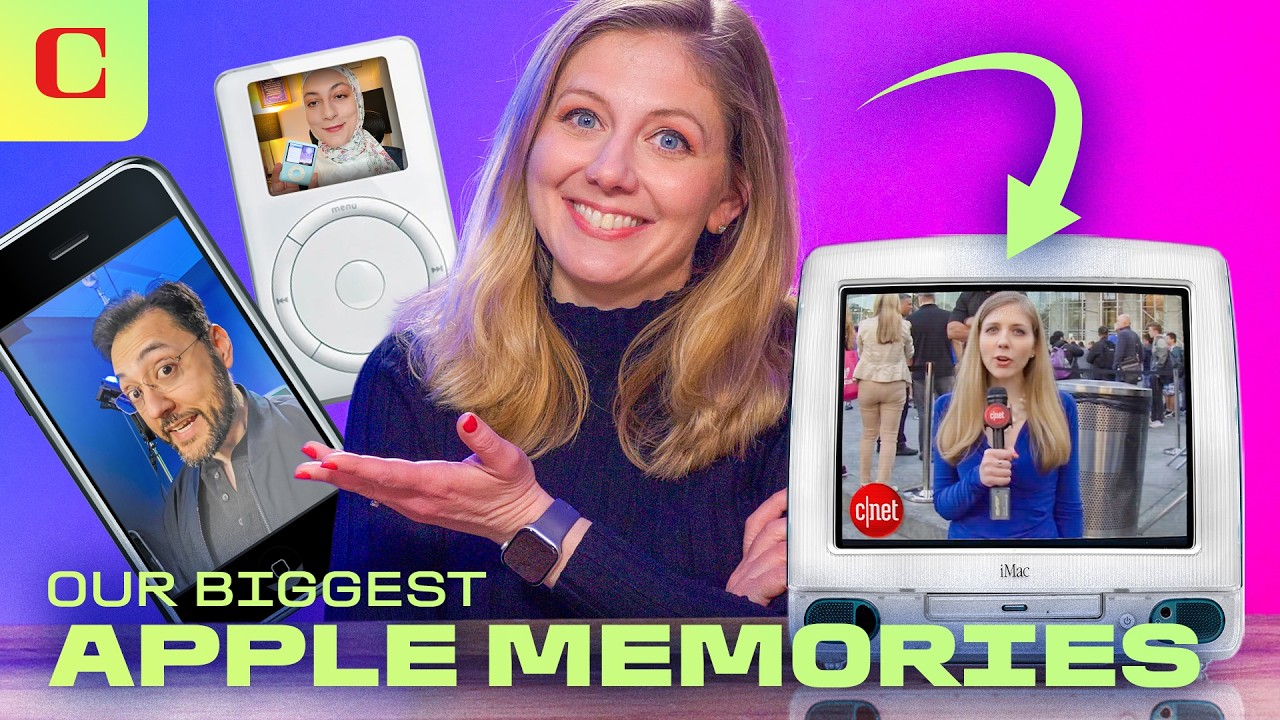
Apple at 50: Sharing Our Biggest Apple Memories
With Apple turning 50 this week, Bridget Carey goes down memory lane with her CNET teammates on what it was like to cover the iconic company and how the products shaped our lives. Read more on CNET.com Apple’s 50-Year Legacy of Product Innovation, Through CNET’s Lens 0:15 CNET reporters share their favorite Apple memories 0:22…
CNET
The ‘Camera’ That Can Do Anything | What The Future
I visited Lightstorm Entertainment for a behind-the-scenes look at how Avatar: Fire and Ash was filmed. Performance capture technology films every possible angle at once, then a virtual camera captures specific shots, and finally, the VFX team completes all the effects. 0:00 Inside the Avatar: Fire and Ash Production 0:29 Phase 1: The Volume &…

CNET
NASA’s Artemis II Launches to the Moon: Everything That Happened in 12 Minutes
Watch NASA’s historic Artemis II launch from the Kennedy Space Center in Florida as four astronauts forge a new path around the moon and travel farther than any human has ever gone before. Read more about NASA’s Artemis Mission on CNET.com Liftoff: NASA’s Artemis II Is in Space, the First Human Trip to the Moon…



Why Taskrabbit’s Founder Prioritizes Diversity Early │ Build Mode Podcast

NASA’s Artemis II Lifts Off | Bloomberg Artemis II Special 4/1/2026

Are orbital data centers all hype, or an actual AI infrastructure solution? l Equity Podcast

Nitya Subramanian: Products and Protocol

Sleep Expert Answers Questions From Twitter ???? | Tech Support | WIRED

Ways you can help Black Lives Matter movement (links, orgs, and more) ????????
Why Taskrabbit’s Founder Prioritizes Diversity Early │ Build Mode Podcast
NASA’s Artemis II Lifts Off | Bloomberg Artemis II Special 4/1/2026
Are orbital data centers all hype, or an actual AI infrastructure solution? l Equity Podcast
-
 Science & Technology6 years ago
Nitya Subramanian: Products and Protocol
-
 People & Blogs4 years ago
Sleep Expert Answers Questions From Twitter ???? | Tech Support | WIRED
-
 CNET6 years ago
Ways you can help Black Lives Matter movement (links, orgs, and more) ????????
-

 Wired7 years ago
How This Guy Became a World Champion Boomerang Thrower | WIRED
-

 Wired7 years ago
Neuroscientist Explains ASMR’s Effects on the Brain & The Body | WIRED
-

 Wired7 years ago
Why It’s Almost Impossible to Solve a Rubik’s Cube in Under 3 Seconds | WIRED
-

 Wired7 years ago
Former FBI Agent Explains How to Read Body Language | Tradecraft | WIRED
-

 CNET6 years ago
Surface Pro 7 review: Hello, old friend ????
@JohnWalkerDOS
October 1, 2025 at 8:04 am
Wait, what?
@iblackfeathers
October 1, 2025 at 8:17 am
doomscrolling refers to endlessly scrolling bad and negative news. you are either strangely subscribed to and actively reading doom and negative news on your instagram and tiktok or maybe misusing the term to generally mean overall screentime.
@tamboleo
October 1, 2025 at 9:03 am
Thank you Sadness from Inside Out
@spektred
October 1, 2025 at 2:11 pm
That’s jacked up
@Royce16727
October 1, 2025 at 9:32 am
I was able to reduce my “maladaptive” screen time significantly on my own, but luckily I have the ability to rely on various martial art and meditation philosophies that I learned in years past. I’m blind now, so I require my phone for pretty much everything in daily life – e.g. obtaining food, transportation, and shelter; navigating obstacles; and performing work tasks. There’s no way that I can ever decouple myself from my phone, but there are various lifestyle/training techniques that One can use in order to reduce the amount of “wasted time” on a phone. I think technological solutions aren’t going to be all that effective in combating psychological/neurological problems that are exacerbated by technology, in the long term. But it is a good first start for those that are truly suffering. Great video!
@Lcavl-clk
October 1, 2025 at 9:33 am
My attention is split between my iphone & Oneplus😅 screentime help with that.😅
@coryluck
October 1, 2025 at 9:46 am
Why is this person so miserable looking.
@gokujosh96
October 1, 2025 at 10:55 am
Mine is worse, and that’s with me not having any social media accounts !
@milhouse14
October 1, 2025 at 12:42 pm
Self-control can stop you from doomscrolling
@georgehoyle8797
October 1, 2025 at 12:44 pm
Are you sure you want to make a video encouraging me to cut back on my screen time? The first channel I probably will stop watching is yours.
@PigRipperLAW
October 1, 2025 at 1:11 pm
This doesn’t make sense. If you can the self control to keep “screen time” active then you have the self control to just not use the phone in ways that you find self defeating.
@ocularsurfacewatermelon689
October 1, 2025 at 1:52 pm
Why get out of bed and walk halfway across your room to get your phone when this could all be alleviated with an Apple Watch. Using an Apple Watch largely eliminates the need to even look at your phone!
Got an emergency call? Apple Watch! Need to check a notification? Apple Watch! Need to check a text from your best friend? Apple. Watch.
@grayhawk-j1h
October 1, 2025 at 2:11 pm
Sending this to my wife. Is there a part 1 to this that you know you have a problem?
@DerekJeterrl
October 1, 2025 at 3:24 pm
Phone screen has so many stains on it in the beginning of the video. >:(