
Windows 11 Copilot Preview: 5 Things to Try
Check out five useful things you can do with Windows Copilot in Windows 11 that make finding your way around your PC much easier and faster. Read the CNET article for more info: With Windows Copilot, AI Is Getting Into Microsoft’s Most Important Software 0:00 Intro 0:52 Grant Access to Active Edge Browser Tab 1:17…

CNET
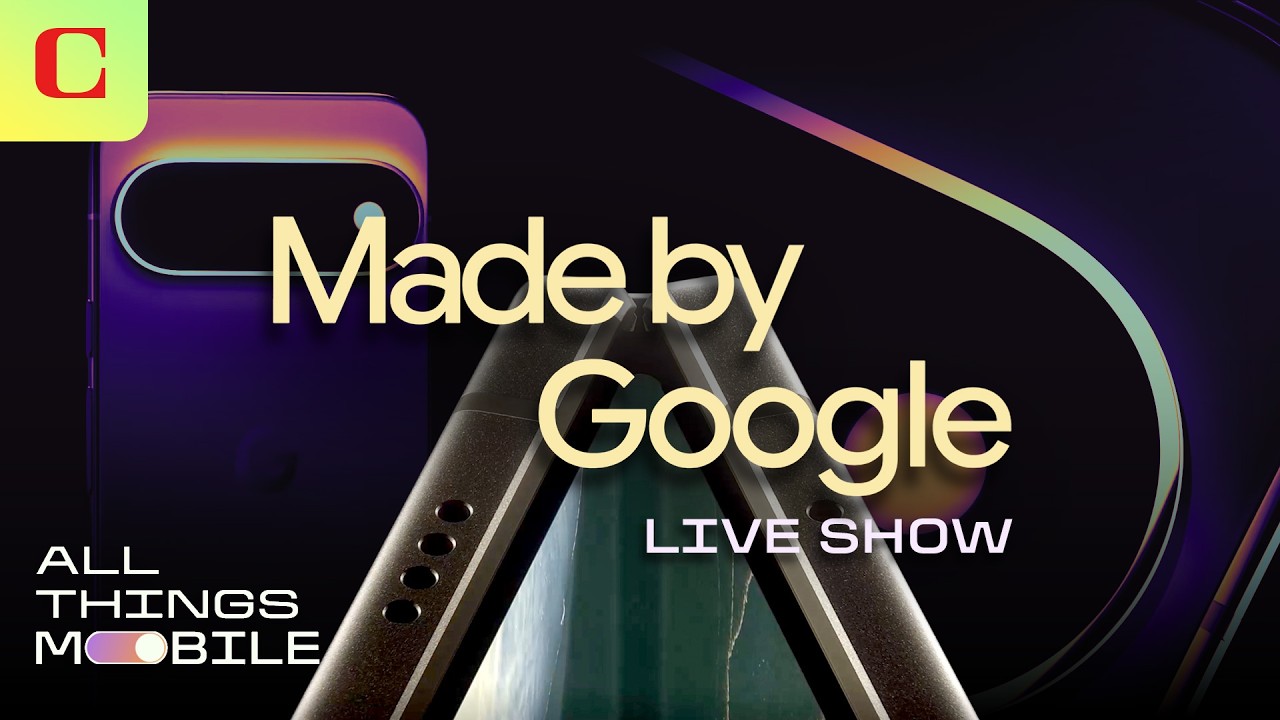
Were You Impressed by Google’s New Pixel Devices? Tech Editors React to Made by Google 2026
Our top mobile and health tech editors from PCMag, CNET and ZDNET share their thoughts on Google’s Made by Google Pixel event hosted by Trevor Noah. What were the coolest features on the new Pixel devices, and what felt like a dud? Read more about the Made by Google event on CNET.com: Made by Google…
CNET
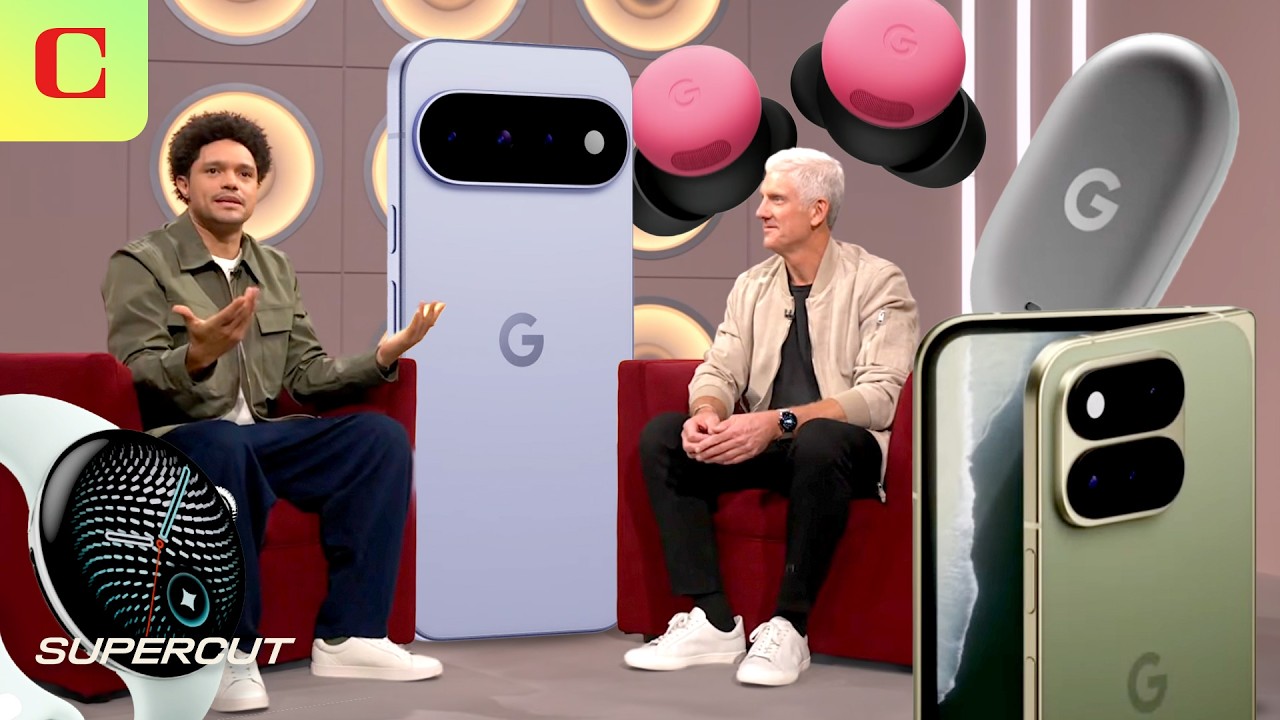
Everything Revealed at Made by Google 2026 in Less Than 12 Minutes
Google revealed its new lineup of Pixel 11 Phones, Pixel Buds Pro, the Pixel Watch 5 and the new Pixel Tag at its Made by Google event, hosted by Trevor Noah. Check out all the highlights and product reveals in less than 12 minutes. You can find the products mentioned in this article linked below…
Bloomberg Technology
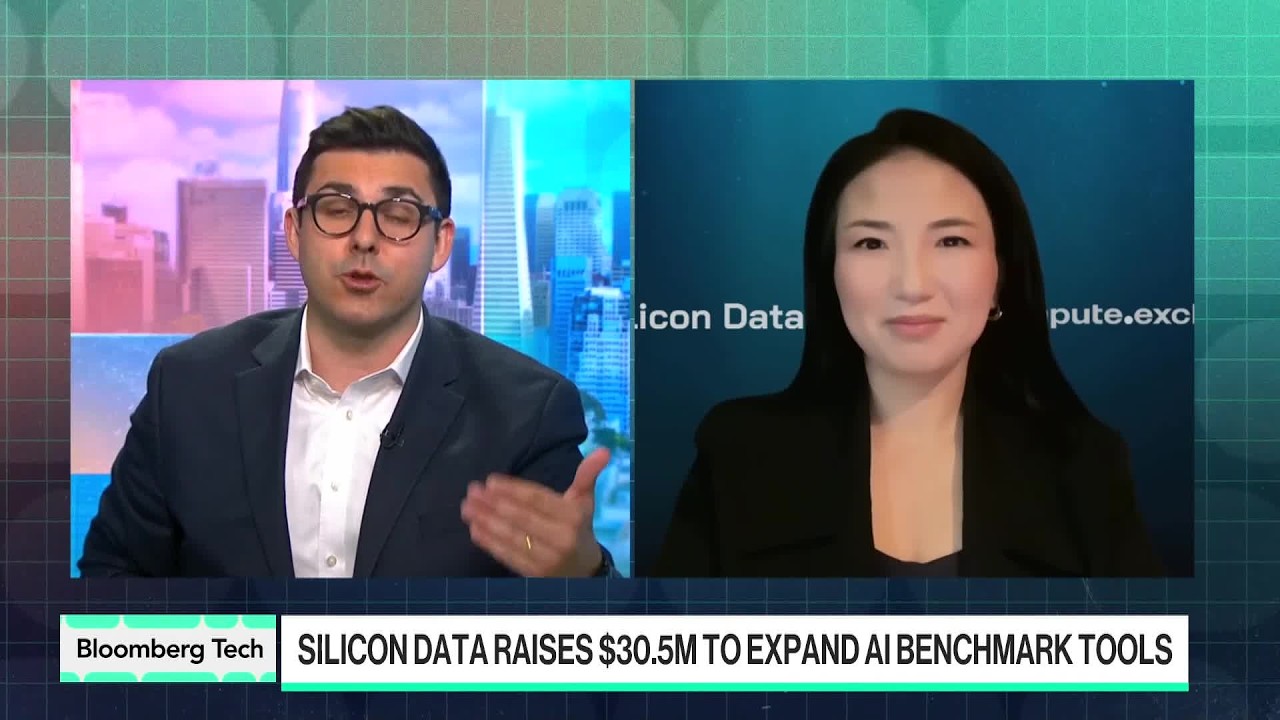
Silicon Data Raises $30.5M to Benchmark AI Compute
Silicon Data has raised $30.5 million to expand its pricing and performance benchmarks for the rapidly growing AI compute market. CEO Carmen Li joins Bloomberg to discuss the company’s ambition to become an “independent referee” for compute, CME’s planned GPU futures tied to Silicon Data benchmarks, and what its data says about the value and…


Were You Impressed by Google’s New Pixel Devices? Tech Editors React to Made by Google 2026

Everything Revealed at Made by Google 2026 in Less Than 12 Minutes

Silicon Data Raises $30.5M to Benchmark AI Compute
-

 Science & Technology6 years ago
Nitya Subramanian: Products and Protocol
-

 People & Blogs4 years ago
Sleep Expert Answers Questions From Twitter ???? | Tech Support | WIRED
-

 CNET6 years ago
Ways you can help Black Lives Matter movement (links, orgs, and more) ????????
-

 Wired7 years ago
How This Guy Became a World Champion Boomerang Thrower | WIRED
-

 Wired7 years ago
Neuroscientist Explains ASMR’s Effects on the Brain & The Body | WIRED
-

 Wired7 years ago
Why It’s Almost Impossible to Solve a Rubik’s Cube in Under 3 Seconds | WIRED
-

 Wired7 years ago
Former FBI Agent Explains How to Read Body Language | Tradecraft | WIRED
-

 CNET7 years ago
Surface Pro 7 review: Hello, old friend ????
Jamie Bancroft
August 17, 2023 at 8:27 am
Sorry Jesus. Windows is my CoPilot now.
Emmanuël M
August 17, 2023 at 8:31 am
I hope that this isn’t all of it because you can do those things today with the search bar.
The fact that you could ask your computer to do things for you without having to do anything else would be an awesome game changer.
Imagine you could ask Copilot to become your mailmanager and doing so it would reply to mails with your consent and create an overview of all important mails that need follow up at the end of each week. Like a “Secretary” of some kind ????
HarrMick
August 17, 2023 at 8:32 am
How do you remove this feature and any AI bs from a PC?
eli vegba
August 17, 2023 at 9:30 am
Your machine is artificially intelligent.
To try this will be like trying to strip a large chunk of your pc away.
Good luck
Wojtek Chojnacki
August 17, 2023 at 8:35 am
Apart from „summerize” feature seems it’s doing pretty much the same as Spotlight search and Siri have been doing on Mac for years. I guess it will get much more complex one day but that’s my intitial impression for the moment.
Mayur M
August 17, 2023 at 8:42 am
Let’s hope that it’ll not suffer the same fate as Cortana.
Steve Tech
August 17, 2023 at 8:50 am
Calling it Copilot is giving it way too much credibility. They should have gone with Apprentice or similar IMO. ????
Hassassinator
August 17, 2023 at 2:49 pm
Unpaid assistant
Harishankar H
August 17, 2023 at 8:51 am
Most of these tasks can be done instantly with keyboard shortcuts
sai varun annadata
August 17, 2023 at 9:24 am
thats what generative ai really is at this point ????????
полночный свет
August 17, 2023 at 12:41 pm
@sai varun annadataYes AI is keyboard shortcuts. WTF are you smoking
Comp
August 17, 2023 at 9:18 pm
Pressing Win + Shift + S is a lot faster than asking Copilot for a Snipping Tool access
Anders Løbger
August 17, 2023 at 9:30 am
You reference Edge and Bing as if they are widely used.
Stephen Victor
August 17, 2023 at 9:41 am
Can copilot make file explorer not buggy like it is now?!
alex3261
August 17, 2023 at 9:57 am
Awesome, now we have an AI assisted copilot to take screenshots, after typying 10 letters, instead of just pressing the Print Screen key!
Great job Microsoft!
Hassassinator
August 17, 2023 at 2:49 pm
The future is now.
Helal Chowdhury
August 17, 2023 at 10:14 am
This should have been done 10 years ago.
Hi There
August 17, 2023 at 10:29 am
Sooooo ….. basically its useless. This is just a tool to use Windows over complicated interface.
What a shame to admit that we made simple thing that complicated that we need a special tool to use it 😀
Christopher Burke
August 17, 2023 at 10:40 am
Can it turn off Edge tab grouping ?
Gary Beltz
August 17, 2023 at 11:50 am
Now if only I could get something like that which would get me a date j/k
Balajee Ks
August 17, 2023 at 11:57 am
Cortana left the chat
LowMax
August 17, 2023 at 12:14 pm
Not impressive at all. It’s just a glorified search for buttons.
Youtube Watcher
August 17, 2023 at 12:15 pm
This could be useful.
Esterenzo
August 17, 2023 at 1:10 pm
What happened to Cortana
beachbumsailordude
August 17, 2023 at 1:42 pm
I already hate the way they have changed Bing with the AI crap. I’m actually thinking of uninstalling Bing.
RandoTuber
August 17, 2023 at 2:14 pm
Does it have a feature to turn it off?
Михаил Исаев
August 17, 2023 at 2:32 pm
Hey siri….
Hussien Alsafi
August 17, 2023 at 3:40 pm
????????????????????????????
Ou8y2k2
August 17, 2023 at 4:34 pm
Nice. So Cortana 2.0. This generative ‘AI’ grift is reaching its apex. I clearly remember commenting that Windows 12 would have a built-in generative ‘AI’ that mines every user action on a Nick White video. Well, I was about two years too late. Cortana 2.0 could be gone by the release of Windows 12. lol
Goa
August 17, 2023 at 7:15 pm
This should have been cortana
Dragon-Core
August 17, 2023 at 8:23 pm
Reskinned ChatGPT.