
CNET
The Secret iOS 27 Hack to Stop Mindless Scrolling | One More Thing
The new iOS 27 Shortcuts make it easy to program your own iPhone tricks with natural language. Bridget Carey explains how she used it to wean her from compulsively opening social media and getting lost in scrolling. You might find it better than other apps that limit screen time (and it’s certainly cheaper than using…












CNET
That Voicemail Isn’t Real, It’s AI. The New Wave of AI-Impersonation Scams
Scammers are using AI to impersonate high-profile targets, such as celebrities and politicians. Here’s how you can stay safe. You can find the products mentioned in this article linked below Commerce Link *CNET may get a commission on these offers Link to CNET article: Read more about X on CNET.com: Timecode Chapters: 0:00 The Threat…
CNET
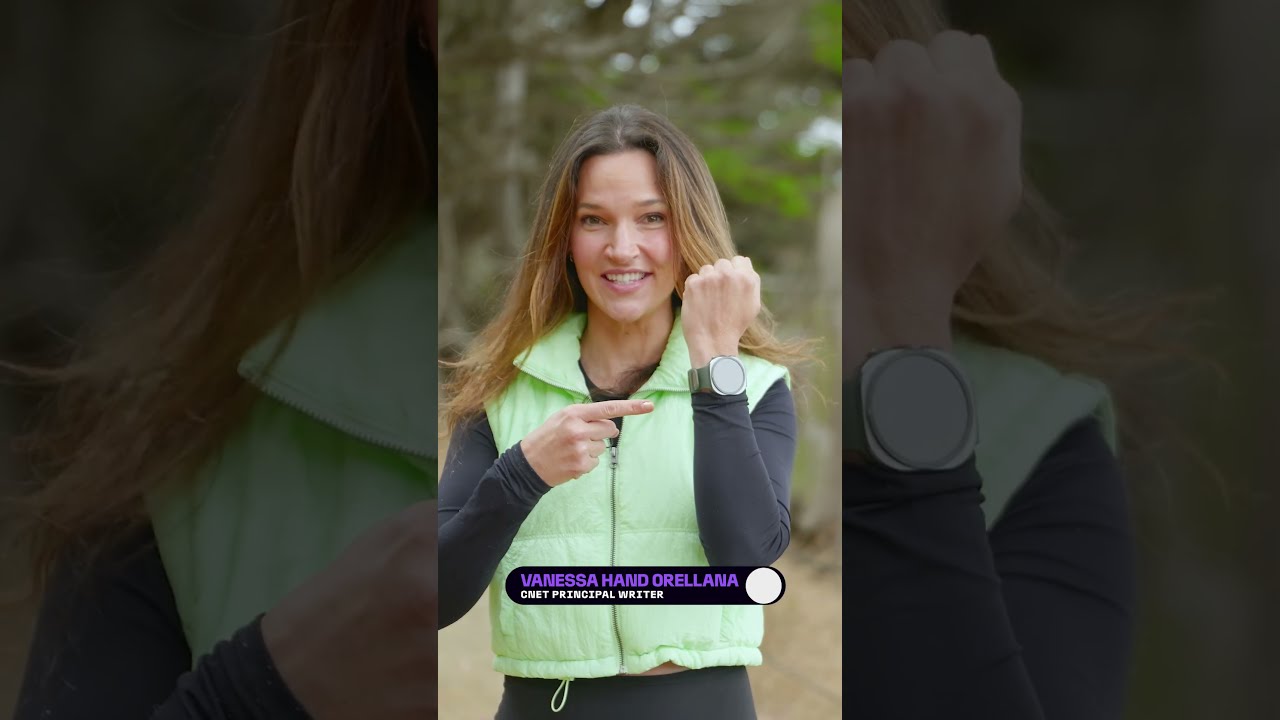
Is The $700 Samsung Galaxy Ultra 2 the Best Smartwatch on the Market?
Well, maybe if you have the budget for it. CNET lead #wearables writer Vanessa Hand Orellana loves the new AI features for hitting the trails, but if you’re a serious athlete there are some drawbacks. Watch ⌚ the full episode on CNET. Video Credits: Host: Vanessa Hand Orellana Scripted by: Vanessa Hand Orellana Producer: Celso…
CNET
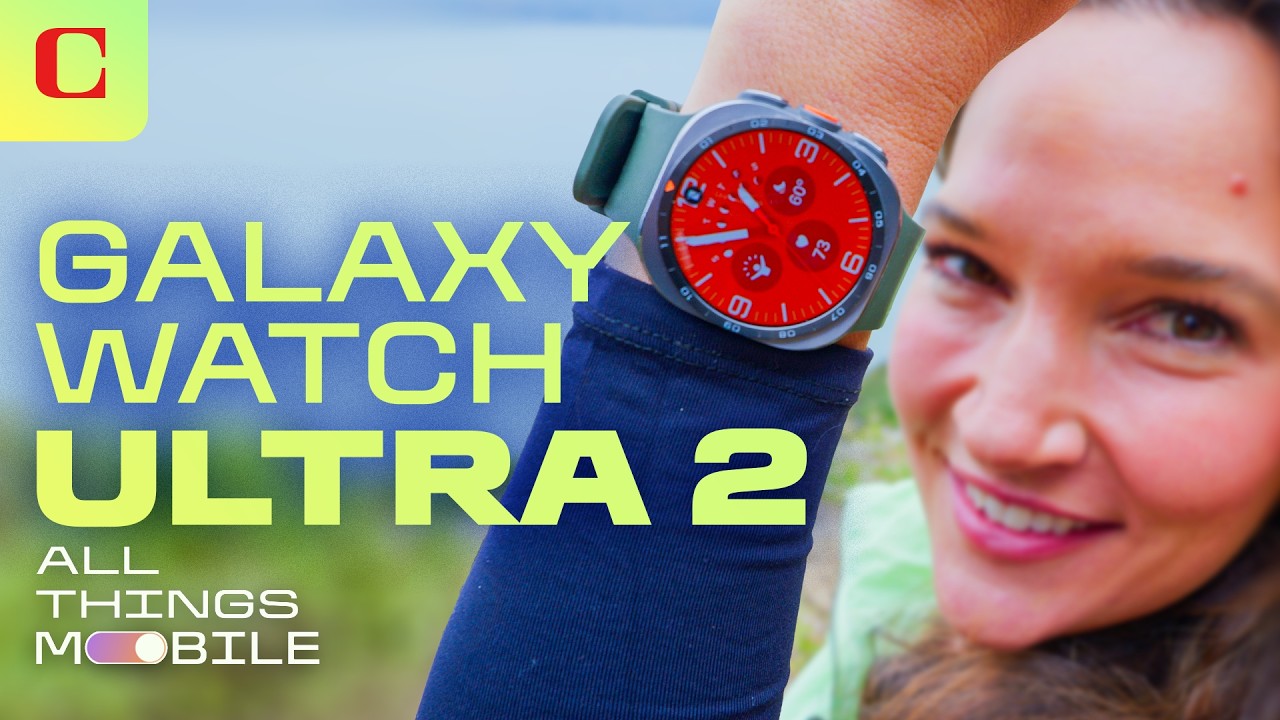
Galaxy Watch Ultra 2 Review: Samsung’s Best and Most Accurate Watch, but Is It Worth $700?
I tested its features, accuracy and battery life, and this is Samsung’s best watch yet. But it’s also the most expensive. Here’s who should splurge on the Ultra 2 and who’s better off with the Galaxy Watch 9. You can find the products mentioned in this article linked below Samsung Galaxy Watch Ultra2, Titanium Silver,…


Don’t Give VCs More Leverage Than You Have To

Khosla Ventures Bets on AI’s Next Frontier: Science

Meta Safety Trial Could Reveal What Zuckerberg, Others Knew
-

 Science & Technology6 years ago
Nitya Subramanian: Products and Protocol
-

 People & Blogs4 years ago
Sleep Expert Answers Questions From Twitter ???? | Tech Support | WIRED
-

 CNET6 years ago
Ways you can help Black Lives Matter movement (links, orgs, and more) ????????
-

 Wired7 years ago
How This Guy Became a World Champion Boomerang Thrower | WIRED
-

 Wired7 years ago
Neuroscientist Explains ASMR’s Effects on the Brain & The Body | WIRED
-

 Wired7 years ago
Why It’s Almost Impossible to Solve a Rubik’s Cube in Under 3 Seconds | WIRED
-

 Wired7 years ago
Former FBI Agent Explains How to Read Body Language | Tradecraft | WIRED
-

 CNET7 years ago
Surface Pro 7 review: Hello, old friend ????
@CNET
August 21, 2026 at 9:51 am
Read more about it on CNET.com
15 Hidden iOS 27 Features You Can Check Out in the Developer Beta
@renanholand
August 21, 2026 at 9:58 am
As a recommendation I would like to mention Foqos. It’s a FREE app that uses any cheap NFC tag you have to do exactly the same thing as that Brick! For me it was game changer
@dinocruz53
August 21, 2026 at 10:06 am
Hey Bridget long time fan, enjoy watching your videos. An idea popped out of my head while watching this video. If you want to avoid the endless scrolling of social media why don’t youuuu…. (I’m assuming you have older iPhones) move all your social media apps to an older iPhone and chuck that into a drawer somewhere. Pull it out when you “need to” do social media and plop it back in the drawer when you’re done. Tadah! Hope ya like my suggestion 😁
@Oldaker
August 21, 2026 at 10:13 am
Best friday show
@gerardobetancourt8384
August 21, 2026 at 10:17 am
Most schools in the U.S. figured out (and implemented) a solution very similar to the one you cover in this video. They did that more than a decade ago. It’s free and requires no downloads. It’s called “the basket” (comes in different sizes and colors, by the way). You just drop your phone in the basket, and get it back after class. Works great with school schedules, and there’s practically no learning curve.
@ReaGan-1b
August 21, 2026 at 10:25 am
Can I block youtube short without blocking youtube long? 😂 ..
@ddw6523
August 21, 2026 at 10:27 am
Morning G!! Looking good!!
@ddw6523
August 21, 2026 at 10:28 am
I mean b😂
@ddw6523
August 21, 2026 at 10:30 am
I think i will just go back to a flip phone!!!😬
@louismartini6983
August 21, 2026 at 10:44 am
Another EXCELLENT video! Way to go tackling shortcuts from a normal person’s perspective. Thank you for showing us how to make the iPhone useful again!
@dickeyadam
August 21, 2026 at 10:48 am
The real way to get setting screen time limits is to get a friend/significant other involved by having them set up a pin they only know when adjusting screen time settings.
That way, when you hit your limit on an app, you can’t bypass it, because you don’t know the pin. If you need more time, you can ask your friend/significant other for more time, and they can decide whether or not to help you out. It’s worked for me!
@苦と回避恋智徳会恋
August 21, 2026 at 10:50 am
never heard of self control?
@MarioFaker
August 21, 2026 at 11:25 am
The shortcut should be: When I open social media app, launch Reminders only if there are items in my To-Do list.
@davidcorden
August 21, 2026 at 11:38 am
Would.
@dlucey123
August 21, 2026 at 12:44 pm
Good video and good idea. The root of this is that we love our phones too much and social media is antisocial depression.
I thought that I didn’t need to worry about social media because I never use TikTok or instagram but YouTube is pretty good at letting you doomscroll. I don’t watch shorts though- I think that’s the path to brainrot
@JohnPereira-b1d
August 21, 2026 at 1:02 pm
Hi Bridget,
What a beautiful family. When it comes to Brick don’t buy it, use the NFC tags and use them with shortcuts. They work amazing. You should cover that, you can get a pack of NFC tags for a 1/4 of the brick thing. Thanks
@cds7762
August 21, 2026 at 1:37 pm
Loved this. Thank you
@PigRipperLAW
August 21, 2026 at 2:15 pm
Social media is only negative if you don’t have curiosity, self worth and discipline.
@marc7583d
August 21, 2026 at 2:56 pm
the only shortcut that I use: when action button is pressed, open Merlin Bird Sound ID – birders know why 🤣
@giovsenaworld
August 21, 2026 at 3:49 pm
This is so useful! I love to find new ways to prevent me from spending my life on my phone. Currently I’m downloading instagram once per day, replying to everybody, looking at some videos and done, I delete it right after and can only download it only on the next day. It’s been very helpful. One sec is a good app that helps me too. Disabling shorts on YouTube has ben a god sent relief. The tips shared in this videos are super useful, thank you so much! The stop watch one is just genius! Also:
Let me just add how much of a nice person you seem to be. I know it’s hard to gauge a person’s persona on YouTube and know how they are in real life, but, I have just the best vibe from you. The combo of the content of the video + how you present it makes me actually a bit happier afterwards for my day. It’s not everybody who’s got this talent, congratulations! For the great (super useful and funny) work and charisma! You’re great!
@hdtravel1
August 21, 2026 at 3:58 pm
Just delete all Social Media apps from your phone – if you need to occasionally use them do so from your laptop. I do not have any social media apps on my iPhone – ZERO – problem solved.
@wiwingmargahayu6831
August 21, 2026 at 4:33 pm
wow you make your own giant magnification glass
@BobbieGWhiz
August 21, 2026 at 5:10 pm
For what it’s worth, Apple distinguishes shortcuts from automations. I asked Siri to make a shortcut that would announce when the iPhone had reached 85% of charge. Siri informed me that that’s an automation, not a shortcut and not something that she could help me with.
@rocksinger45
August 21, 2026 at 7:03 pm
Your kids have it easier than you ~ You are a great mom ~ I don’t know where you find the time, but you do ~ What lucky kids they are ~ Love you, Mom ~ Another great show as well ~ Can’t wait for the upgrades to iPod Pros in 27 ~
@NingDaLord
August 21, 2026 at 7:31 pm
Shortcut is like Apple surveying what people want and months later, create an app/service/function for the public.